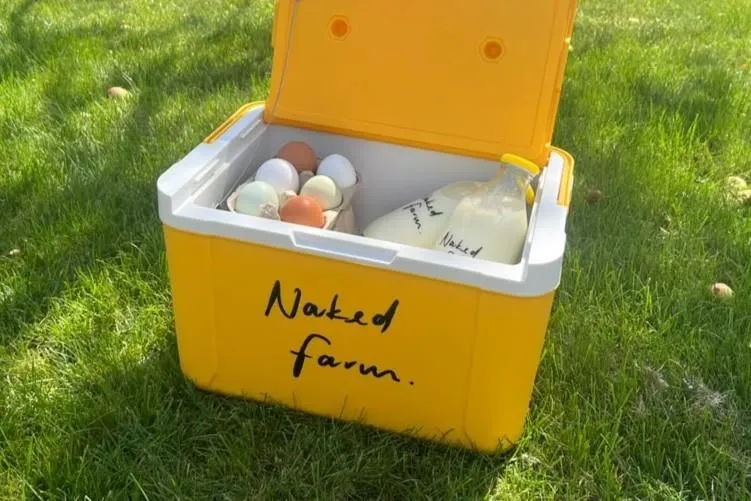
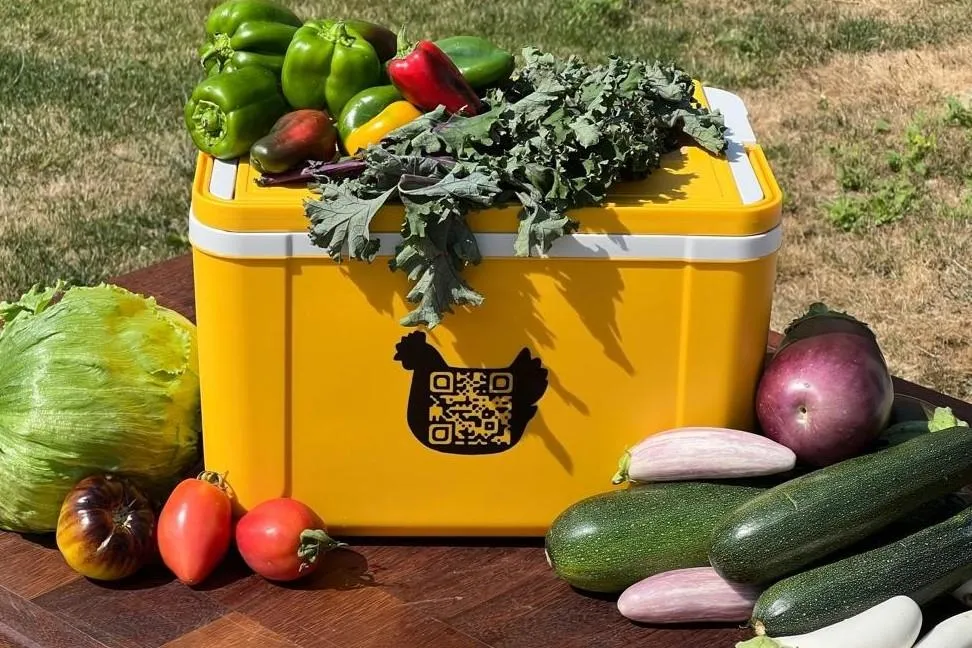

📍 Step 1: Click the map to drop a pin, wherever is easiest for our driver to spot the cool box.
✍️ Step 2: Once you've dropped a pin, check the details and put your exact address in.
🔧
This section is for the Naked Farm team only — enter the admin password to redraw the delivery zone.
Incorrect password — please try again.
The shaded area on the map is your current saved delivery boundary — this is the real, live boundary every new sign-up is checked against (not a placeholder). If your delivery area ever changes — for example you start covering new villages — click "Start Redrawing" below, then click the map to trace the new boundary (e.g. following the roads your deliveries actually cover). Once you've placed enough points, click "Finish Drawing", then "Copy Zone Coordinates". Then either paste the result to Claude for help saving it, or use the Google Sheet's "Naked Farm Tools → Update Delivery Zone (paste coordinates)" menu to save it yourself. As soon as it's saved, every new sign-up (on any device) will be checked against the updated boundary.
Re-check a stored sign-up against the current zone
After you expand or change the zone above, existing sign-ups aren't automatically re-checked —
only new ones are. To see whether a past "Waitlisted" sign-up is now in range, paste their
Latitude and Longitude from the tracker's Raw Import sheet below and click Check.